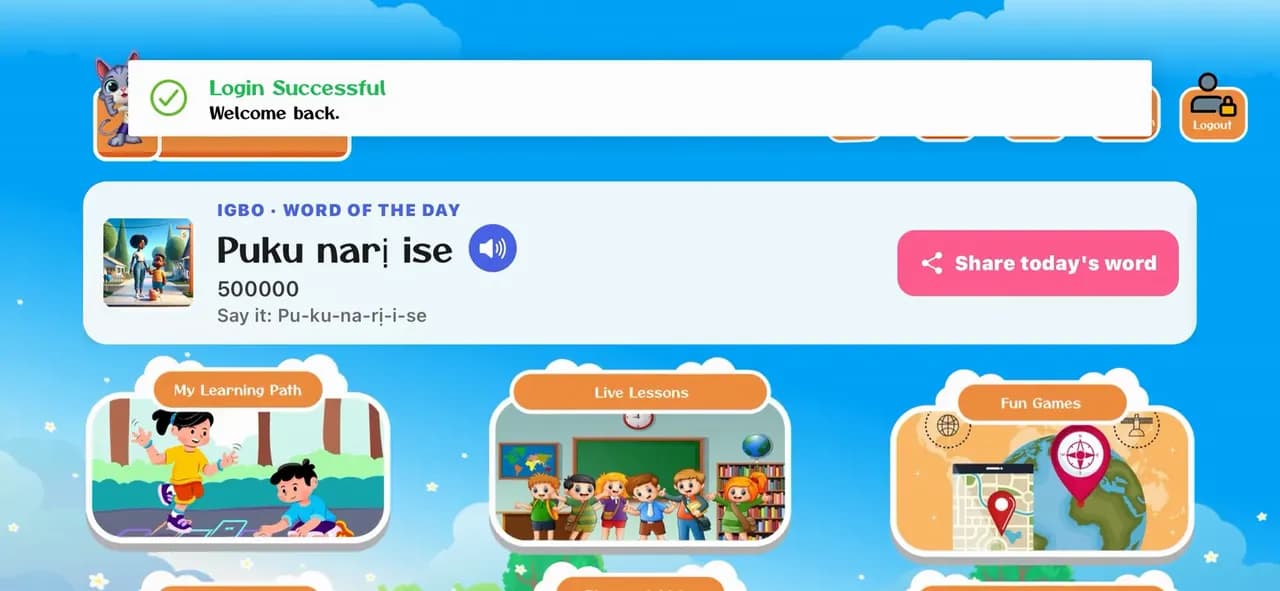
How to log in to the KidsLingua app
Open the app, pick a language and log in with your family's email and password, so your child's profile and progress are there.
6 illustrated steps
Getting started · 8 steps · 0:38 video
Sign up in the app in under a minute: your name, email and a password. The phone number and invite code are optional.
0:38 · No narration, just the app's own sounds. Every step is written out below.
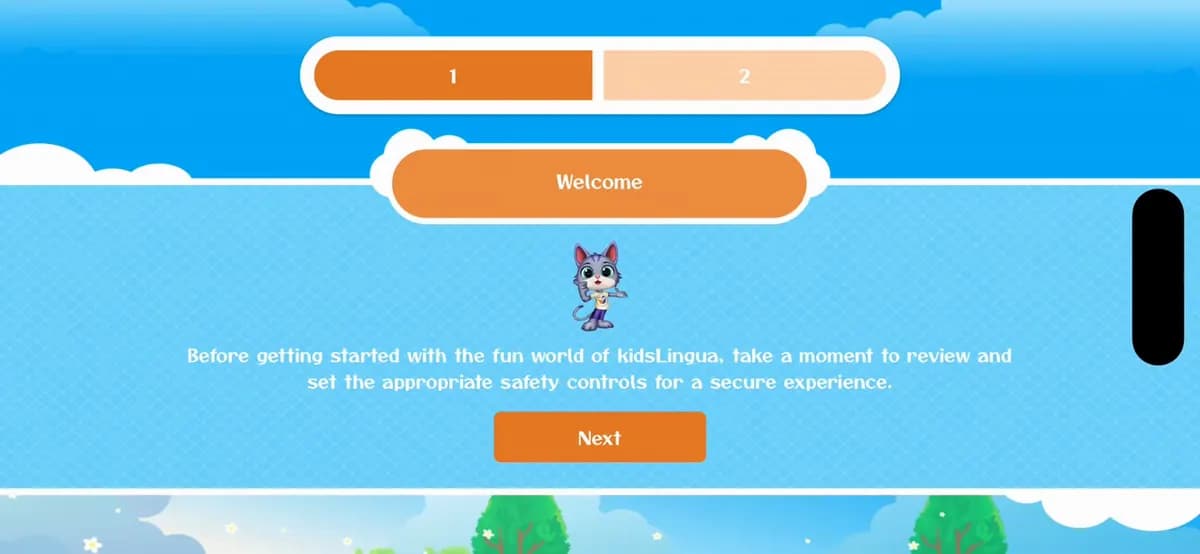
Step 1 of 8
The first time you open KidsLingua, the welcome screen asks you to take a moment to set up safety controls for your child. Tap Next to carry on.
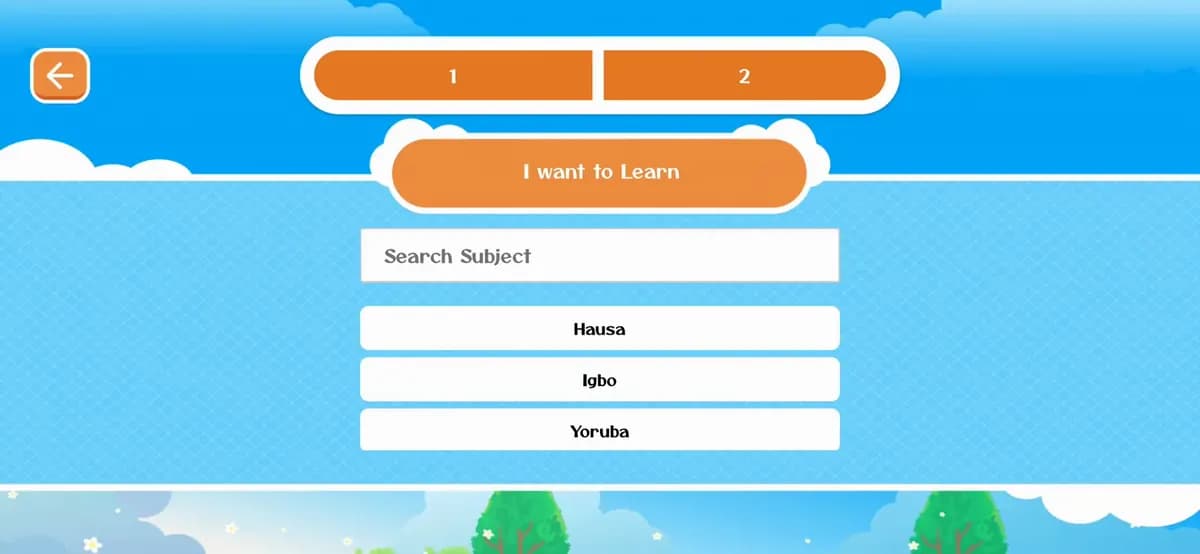
Step 2 of 8
Pick the language your child will learn: Hausa, Igbo or Yoruba.
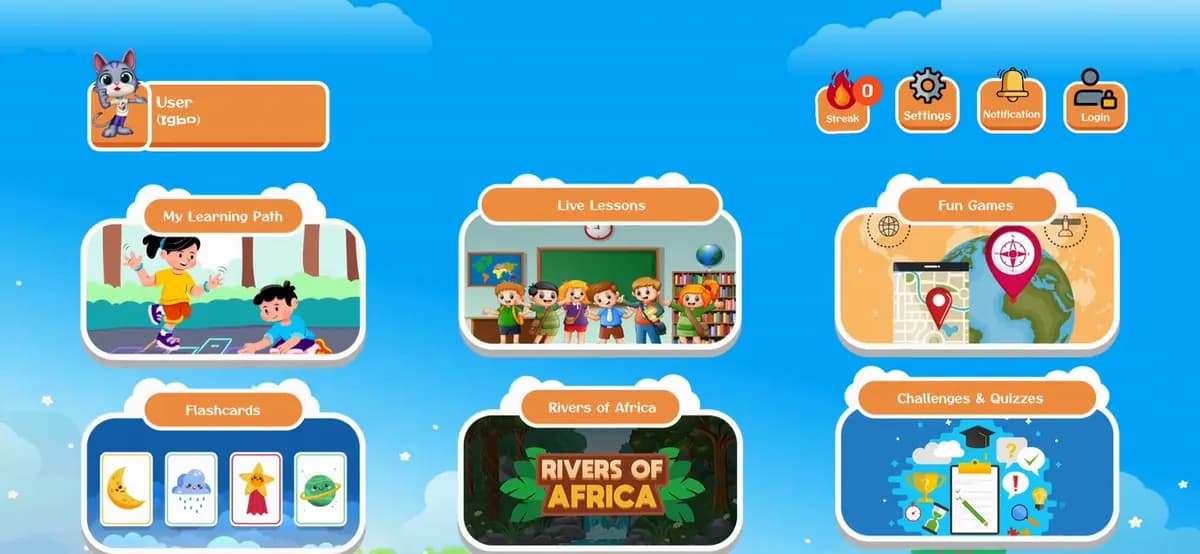
Step 3 of 8
On the home screen, tap the Login icon (a person with a padlock) at the top right. The sign-up form is reached from the login screen.
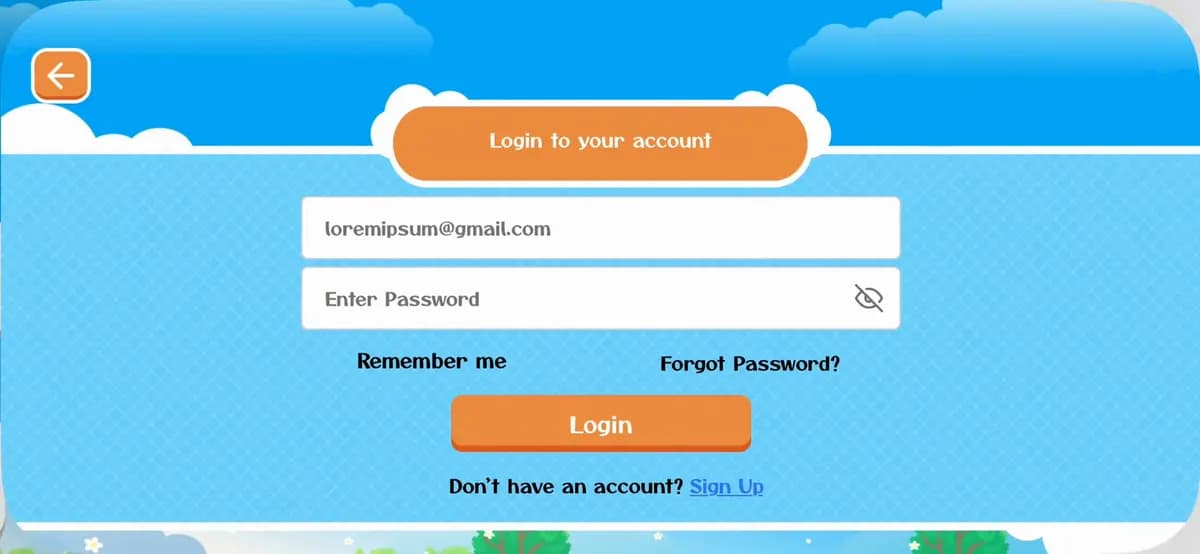
Step 4 of 8
Under the Login button, next to Don't have an account?, tap Sign Up.
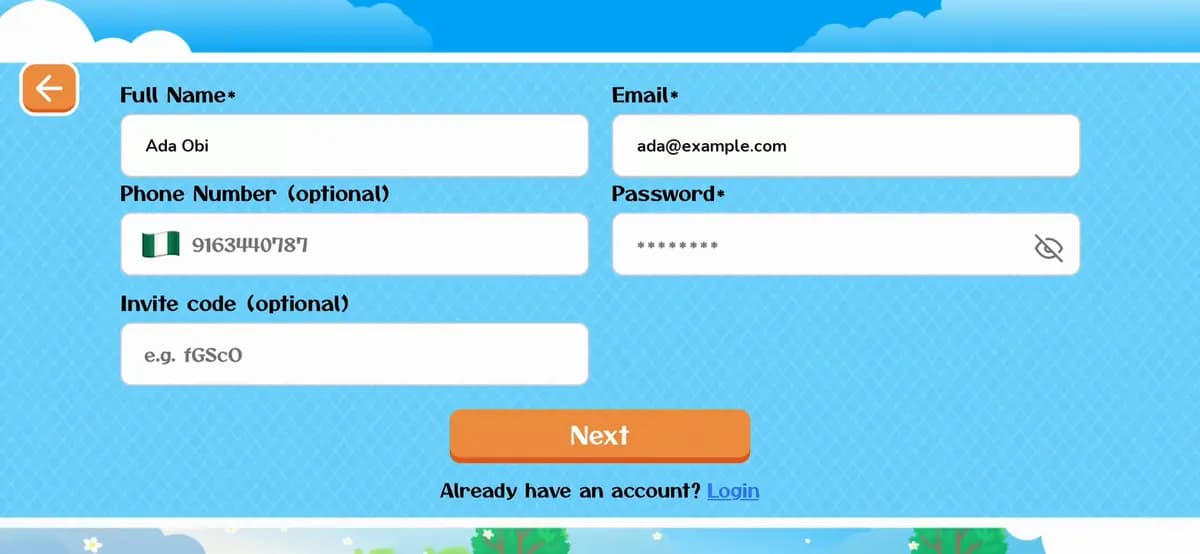
Step 5 of 8
Type your Full Name and your Email address (the grey text in each box is just an example). Use an email you can open: it's how you log in. (The details in the video are examples.)
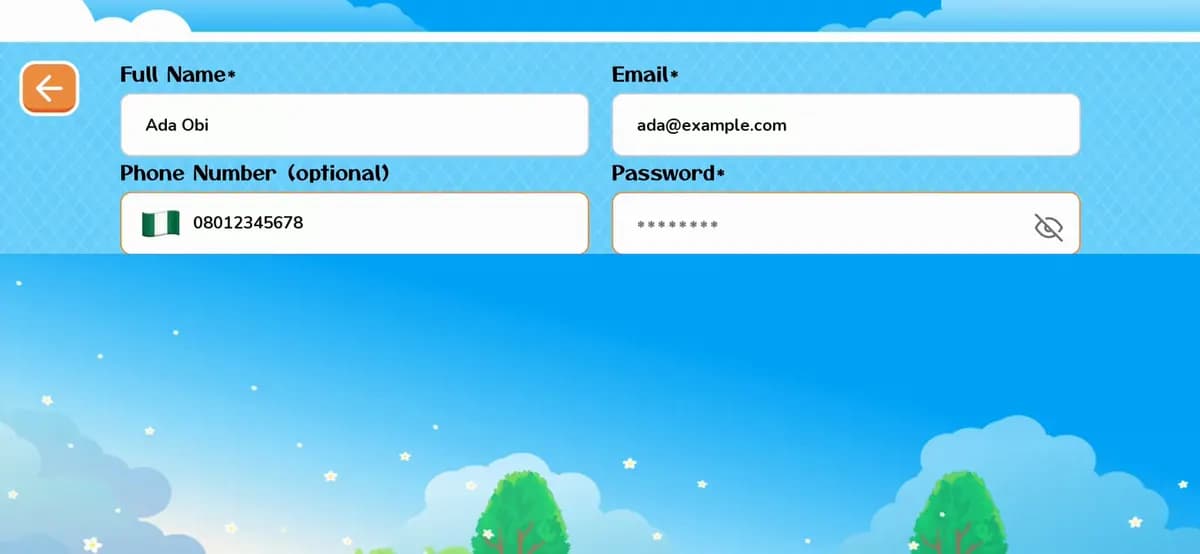
Step 6 of 8
A Phone Number is optional. Then choose a Password (tap the eye icon to check what you've typed). Your phone may offer to create and save a strong password for you.
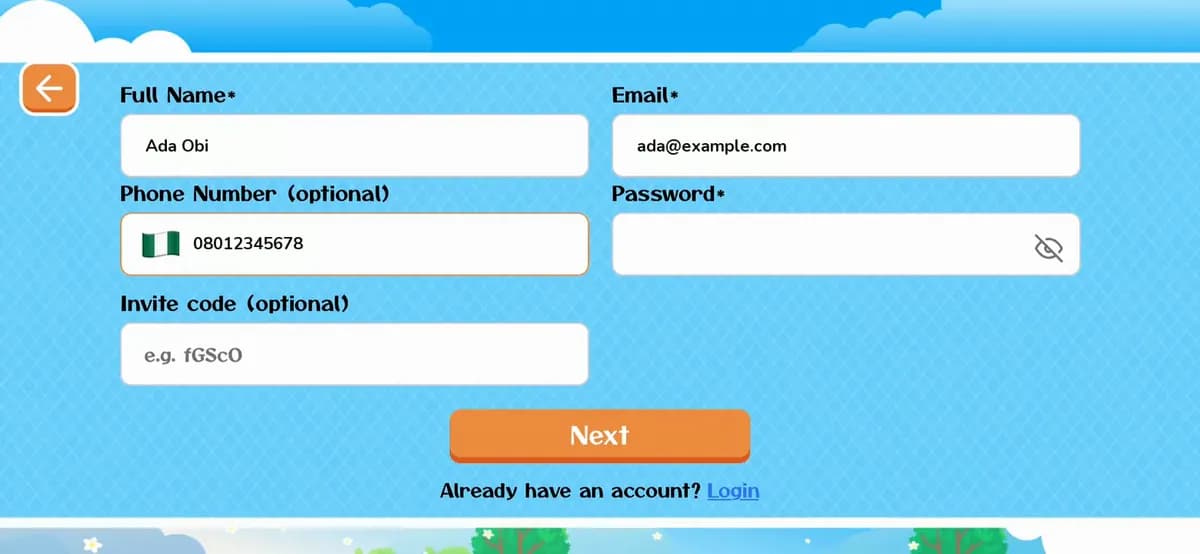
Step 7 of 8
If a friend gave you an Invite code, type it in the last box; otherwise leave it empty. Tap Next and wait a moment while it says Creating….
Step 8 of 8
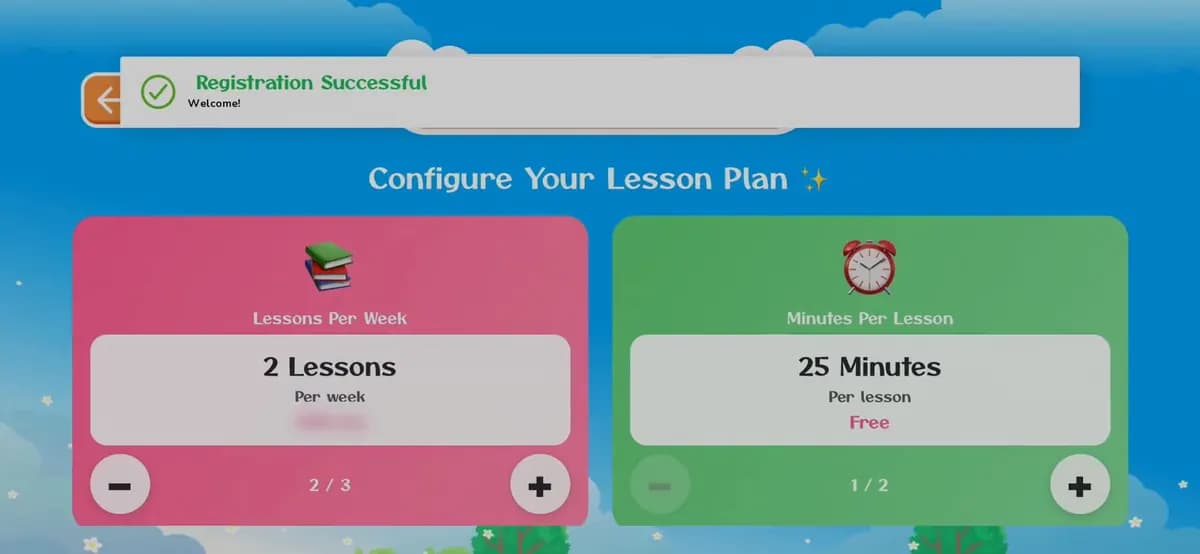
You'll see Registration Successful and a welcome. The app then shows Configure Your Lesson Plan, for booking live lessons with a teacher: those are a paid extra. The games and learning path are free.
Tap Login under the form instead, and sign in with your email and password.
How to log inYou can also create your free parent account on the website, then log in to the app with the same email and password.
Create an account on the websiteInvite codes are short codes (like the example in the box) that friends share. Type it exactly as you got it.
Don't have the app yet?

Open the app, pick a language and log in with your family's email and password, so your child's profile and progress are there.
6 illustrated steps
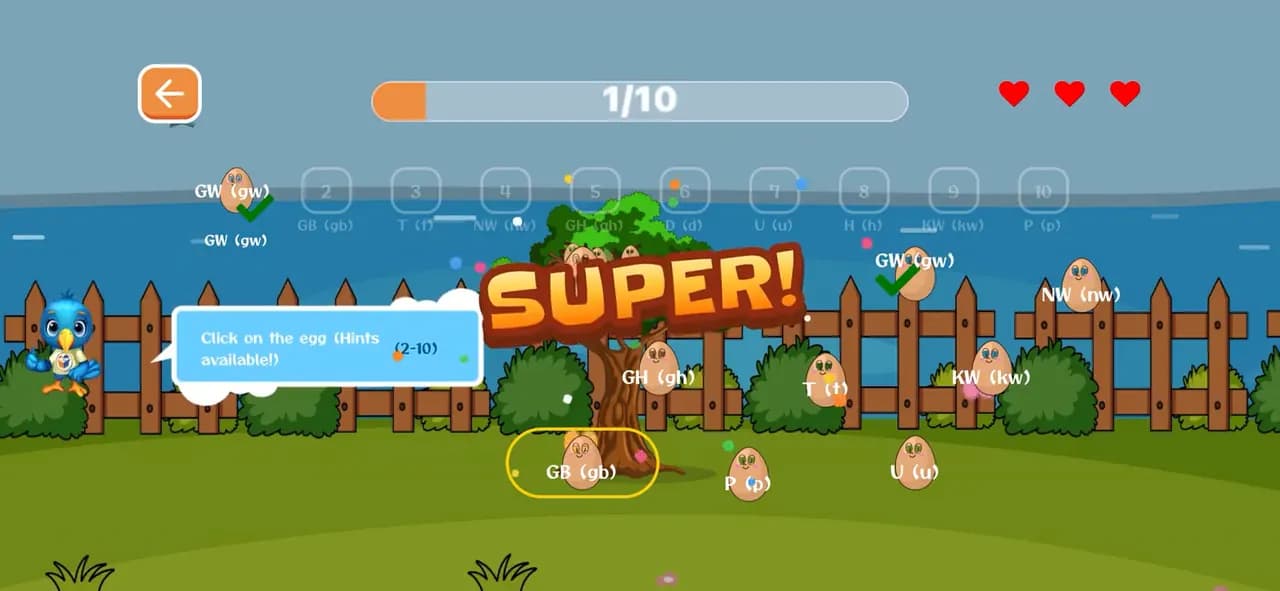
Three games, start to finish: Connect the Egg, the Listening Puzzle and the DragName Game. Each one teaches letters and words with sound, and every right answer opens a word card to listen to.
10 illustrated steps
Start free today, or leave your email and we'll send you new languages, stories and family tips.
Start learning freeOr get updates by email