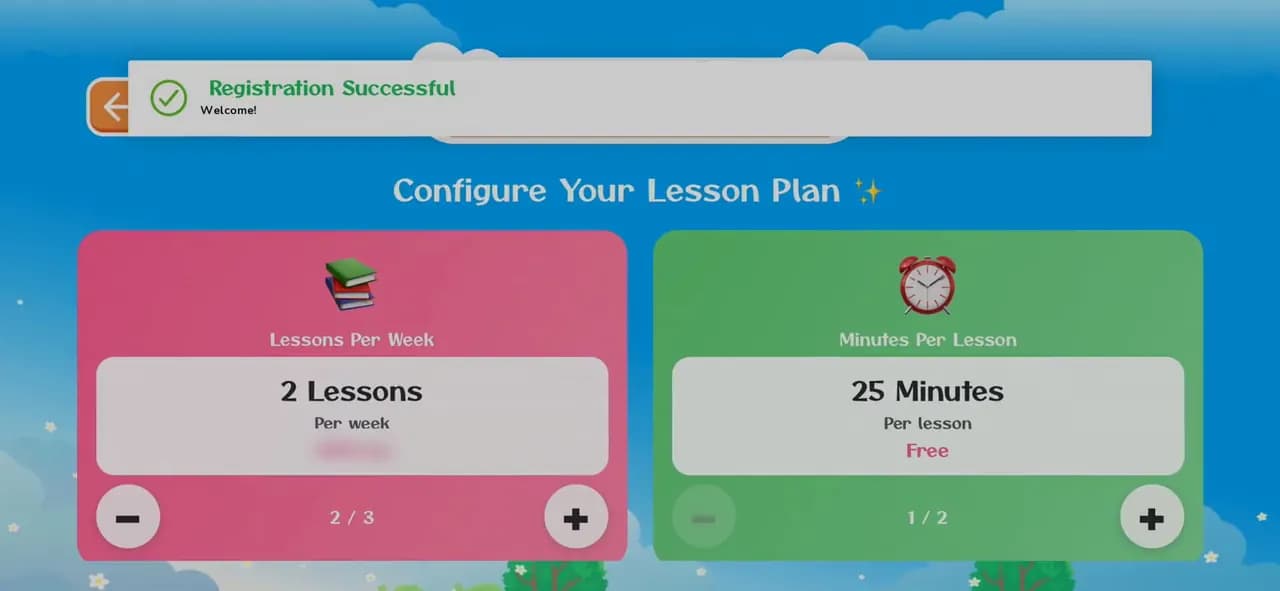
How to create a KidsLingua account
Sign up in the app in under a minute: your name, email and a password. The phone number and invite code are optional.
8 illustrated steps
Learning and games · 10 steps · 1:40 video
Three games, start to finish: Connect the Egg, the Listening Puzzle and the DragName Game. Each one teaches letters and words with sound, and every right answer opens a word card to listen to.
1:40 · No narration: you'll hear the app's music and the letters it says. Every step is written out below.
Step 1 of 10
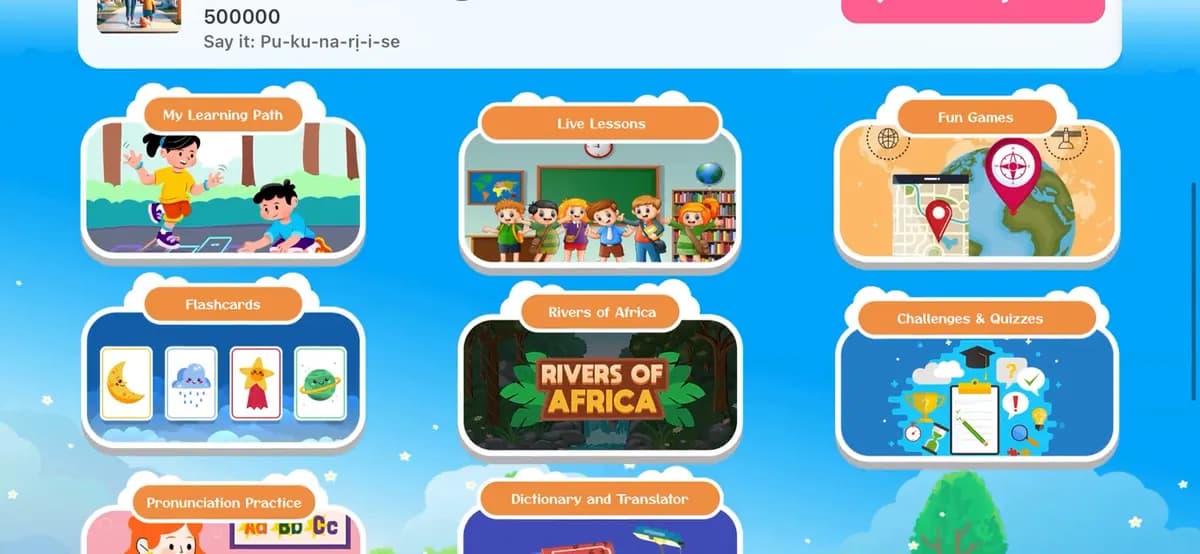
On the home screen, tap Challenges & Quizzes (scroll down a little if you can't see it).
Step 2 of 10
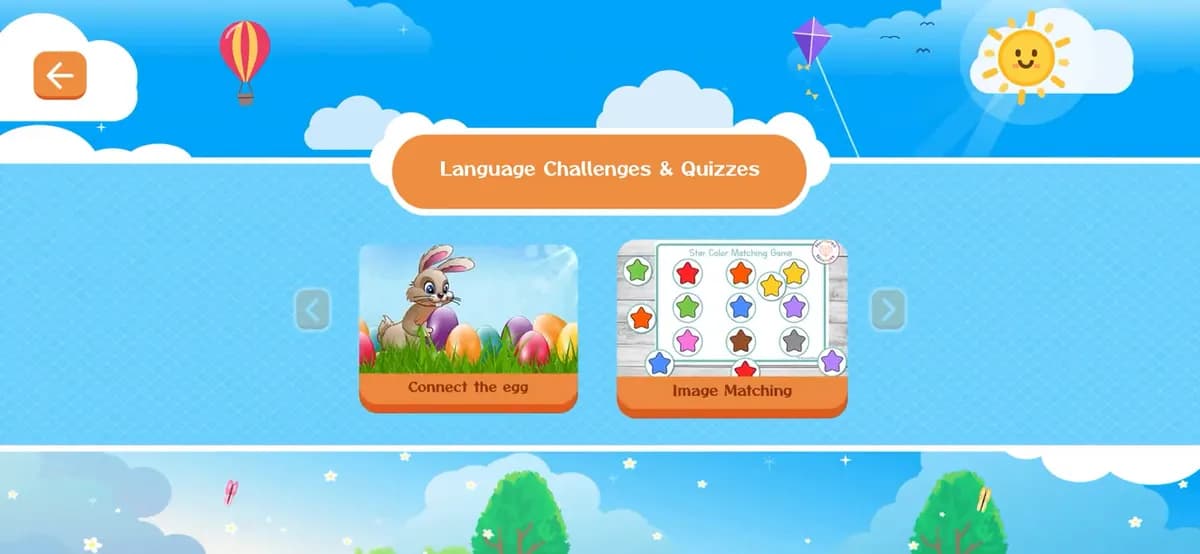
On Language Challenges & Quizzes, tap Connect the egg. The arrows at the sides show more games, like Image Matching.
Step 3 of 10
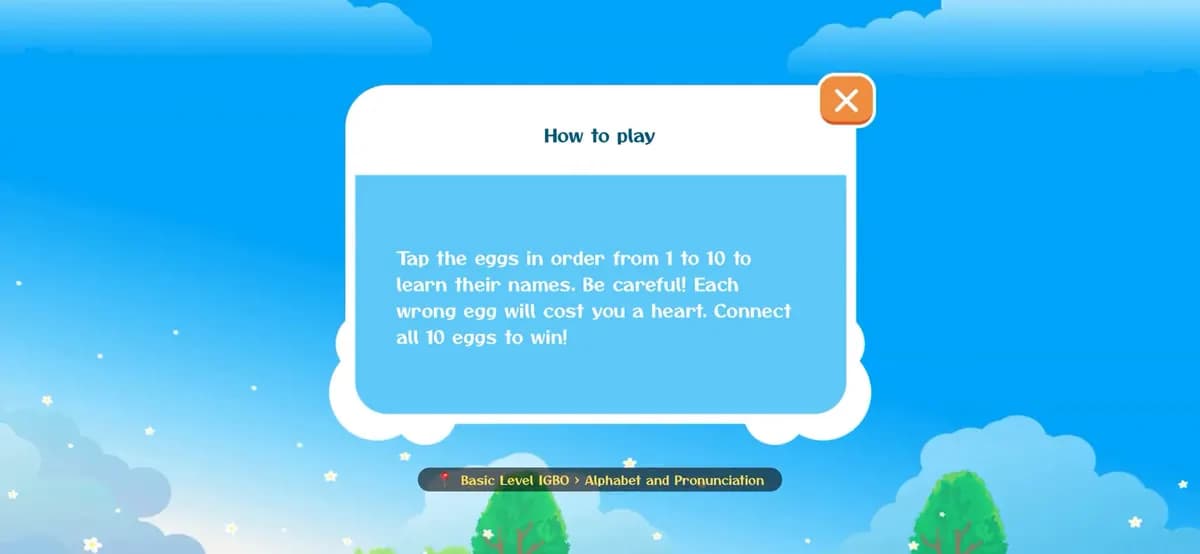
Every game starts with a short How to play. Here: tap the eggs in order from 1 to 10 to learn their names, but each wrong egg costs a heart. Tap the X to start.
Step 4 of 10
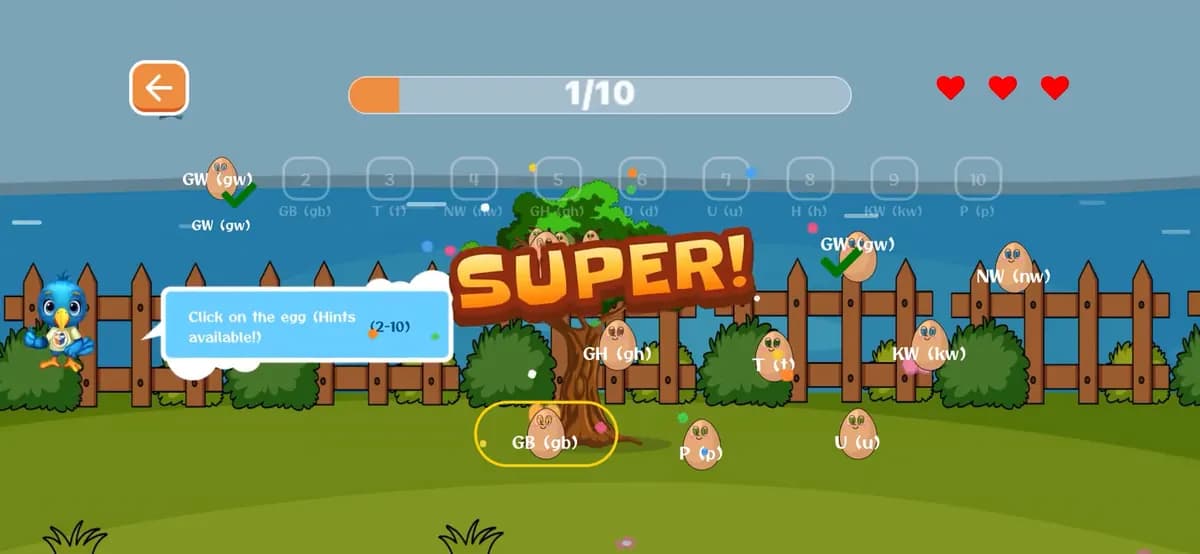
The numbered row at the top shows which egg comes next, and the bird gives a hint. Find that egg and tap it. Right answers fill the progress bar and cheer you on (Super!, Perfect!); you have three hearts.
Step 5 of 10
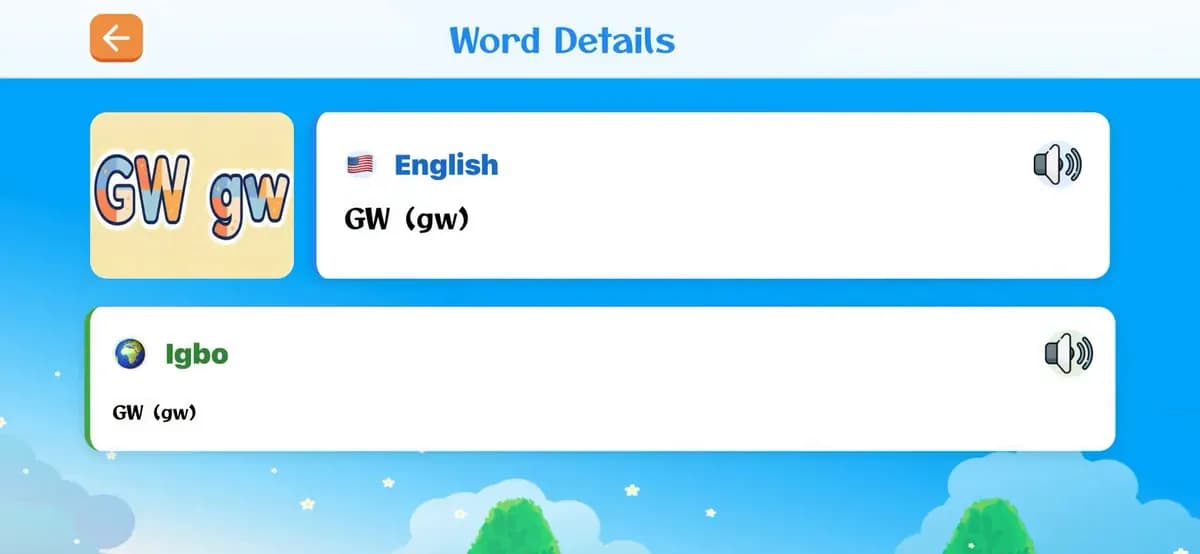
After each right egg, a Word Details card opens. Tap the speakers to hear it in English and in Igbo (or your child's language), and tap the picture to see it bigger. Tap the back arrow to carry on.
Step 6 of 10
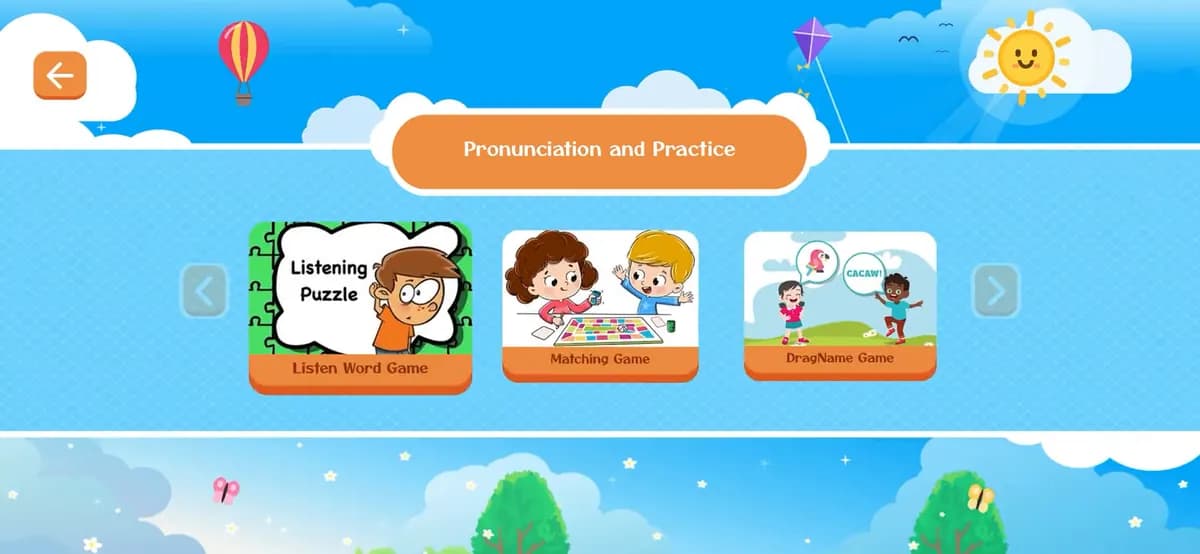
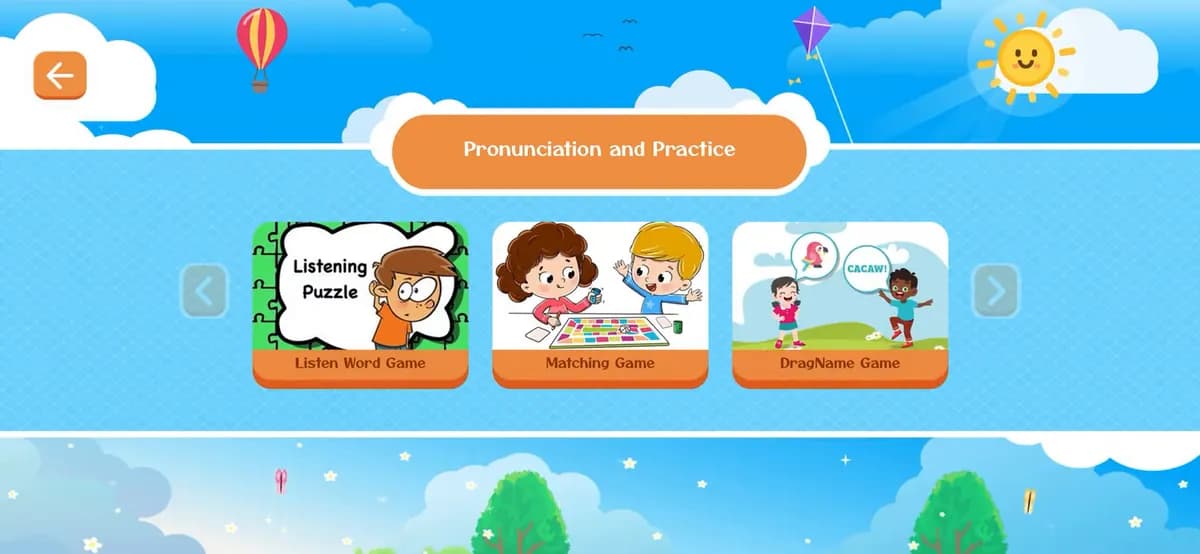
Go back to the home screen and tap Pronunciation Practice. On Pronunciation and Practice, tap Listening Puzzle.
Step 7 of 10
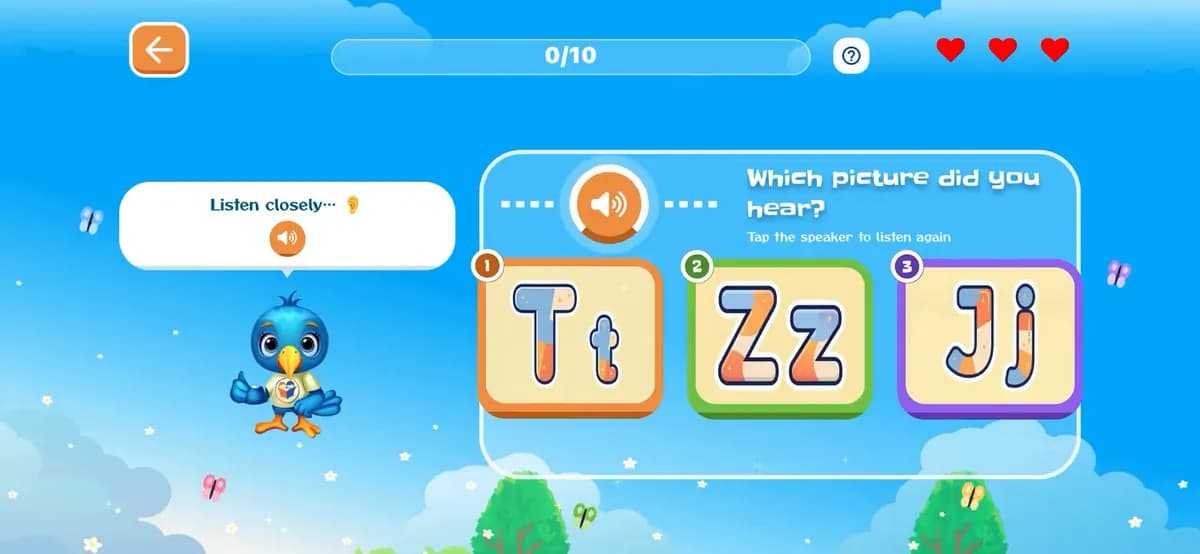
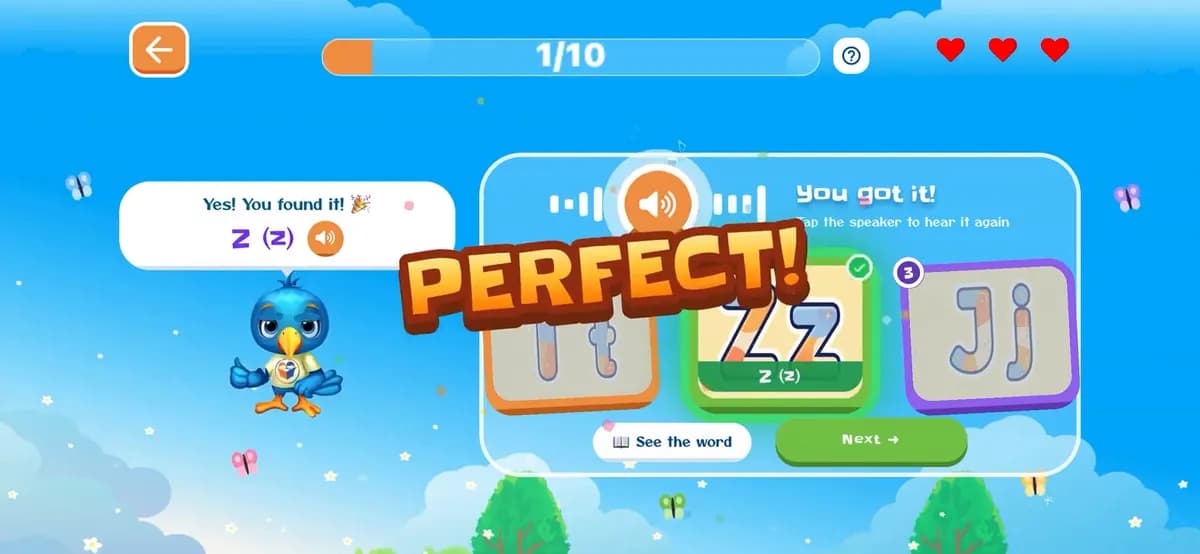
The app says a letter or word. Tap the speaker to hear it again as often as you like, then tap the picture that matches.
Step 8 of 10
A right answer shows Yes! You found it and a cheer; tap Next for the next one, or See the word for its card. A wrong one says Not that one, listen again and costs a heart.
Step 9 of 10
Back on Pronunciation and Practice, tap DragName Game and read its How to play.
Step 10 of 10
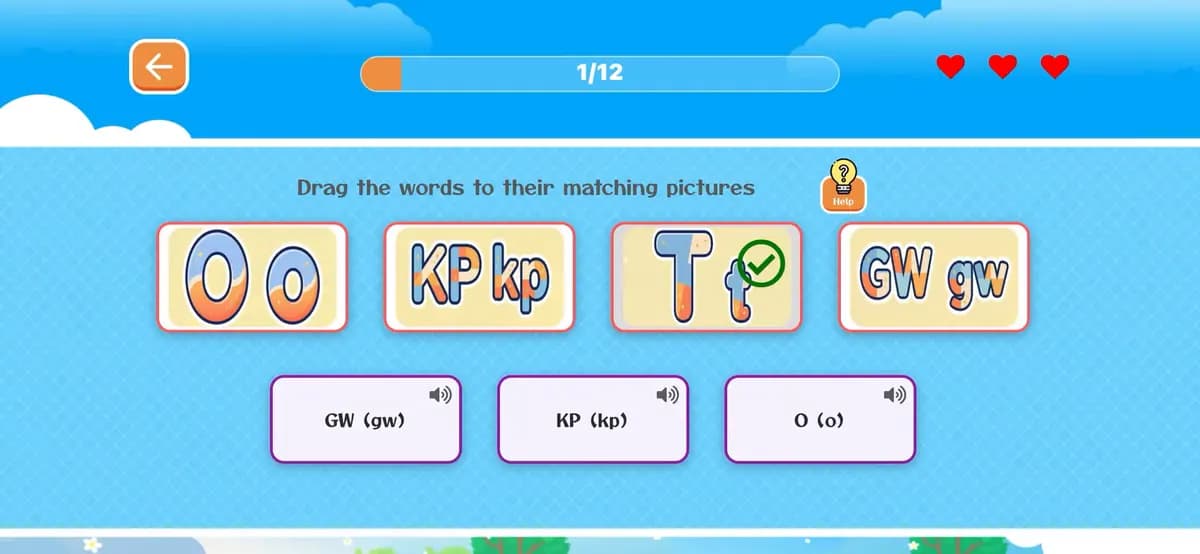
Drag a word card from the bottom onto the picture it matches (tap the card's speaker to hear it first). A right match snaps into place with a green tick; get several in a row for Amazing! and On fire! Match all 12 to win.
Say each word out loud after the app. Repeating it helps it stick, and it's more fun with you joining in.
A wrong answer costs a heart and the game lets you listen again. Encourage your child to tap the speaker before guessing.
Log in first, so your child plays on their own profile.
How to log inDon't have the app yet?

Sign up in the app in under a minute: your name, email and a password. The phone number and invite code are optional.
8 illustrated steps
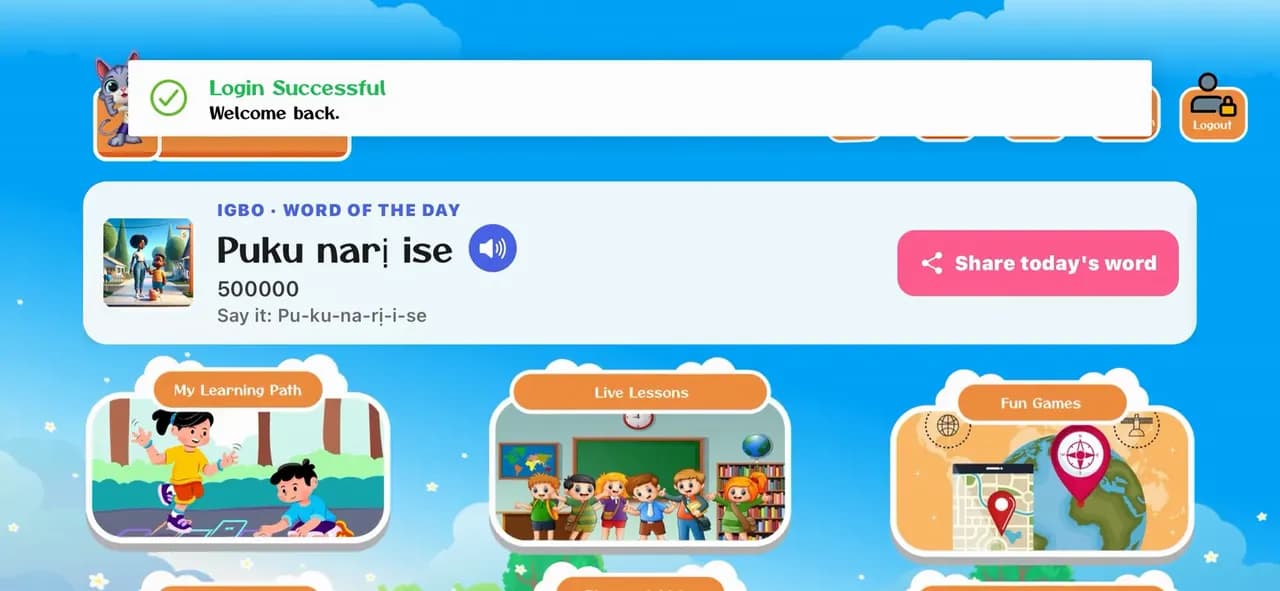
Open the app, pick a language and log in with your family's email and password, so your child's profile and progress are there.
6 illustrated steps
Start free today, or leave your email and we'll send you new languages, stories and family tips.
Start learning freeOr get updates by email